
What is a field network? Introduction benefits and basic knowledge


About this article
This article explains the basic knowledge of field networks, the benefits of their implementation, and our company's field network-compatible products.What is a Field Network?
A field network is a dedicated network that connects controllers, sensors, monitors, and other equipment used on the factory floor to support control and data collection. Its implementation offers the following benefits.
- Simplification of wiring
- Rapid troubleshooting
- Promotion of overall system visualization
- Streamlining maintenance, inspection, and operational management, etc.
This technology has been gaining even more attention in recent years because it is directly linked to improving productivity at the field level.
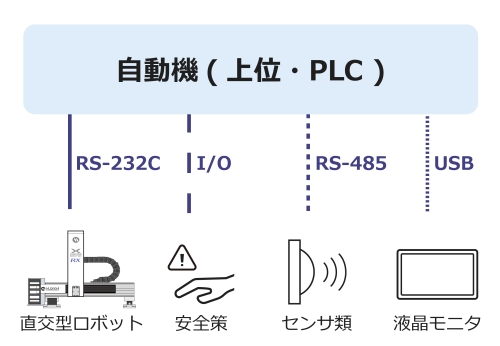
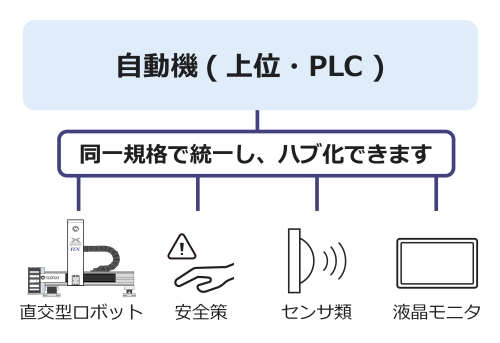
- Reduced installation costs through simplified wiring
Wiring work is reduced, allowing for lower installation costs. - Improved maintainability
Wiring becomes simpler, making maintenance easier.
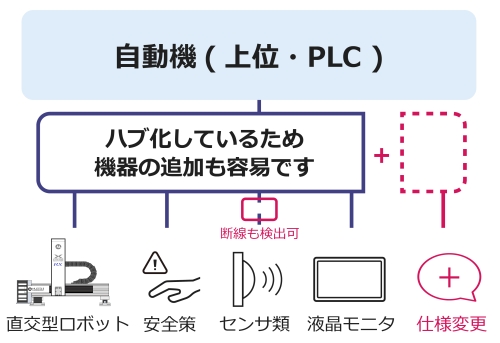
- Improved reliability
Since wire breaks can be detected, wiring faults are identified quickly, leading to improved system reliability. - Improved flexibility
Wiring changes become easier, increasing system flexibility.
Role and Effects of Field Networks
What you can do with Field Networks × Robots
- Robot operation and stop instructions can be issued.
- Operating status, position, and alarms can be communicated to the host PLC/PC.
- Operation programs and parameters can be set remotely.
Benefits of integrating robots into a field network
- Multiple robots can be easily controlled in synchronization.
- Reduction of downtime through faster response to abnormalities.
- Product types and programs can be flexibly changed according to production status.
Types of Field Networks and How to Choose Them
There are multiple protocols for field networks, such as EtherNet/IP, PROFINET, and CC-Link IE, which differ in interoperability, communication speed, and ease of implementation.
The CC-Link IE field network is characterized by its high-speed communication and scalability, making it easy to retrofit equipment onto active lines. On the other hand, EtherNet/IP is highly versatile, supports products from many overseas vendors, and offers excellent compatibility.
It is important to select the optimal network while considering the requirements of your facility and future expansion plans, with an eye toward long-term cost performance.
Supported standards
Musashi Engineering robots support the following 6 standards.
◆ EtherNet/IP
◆ CC-Link
◆ PROFINET
◆ EtherCAT
◆ Modbus TCP
◆ DeviceNet

Musashi Engineering's desktop robots
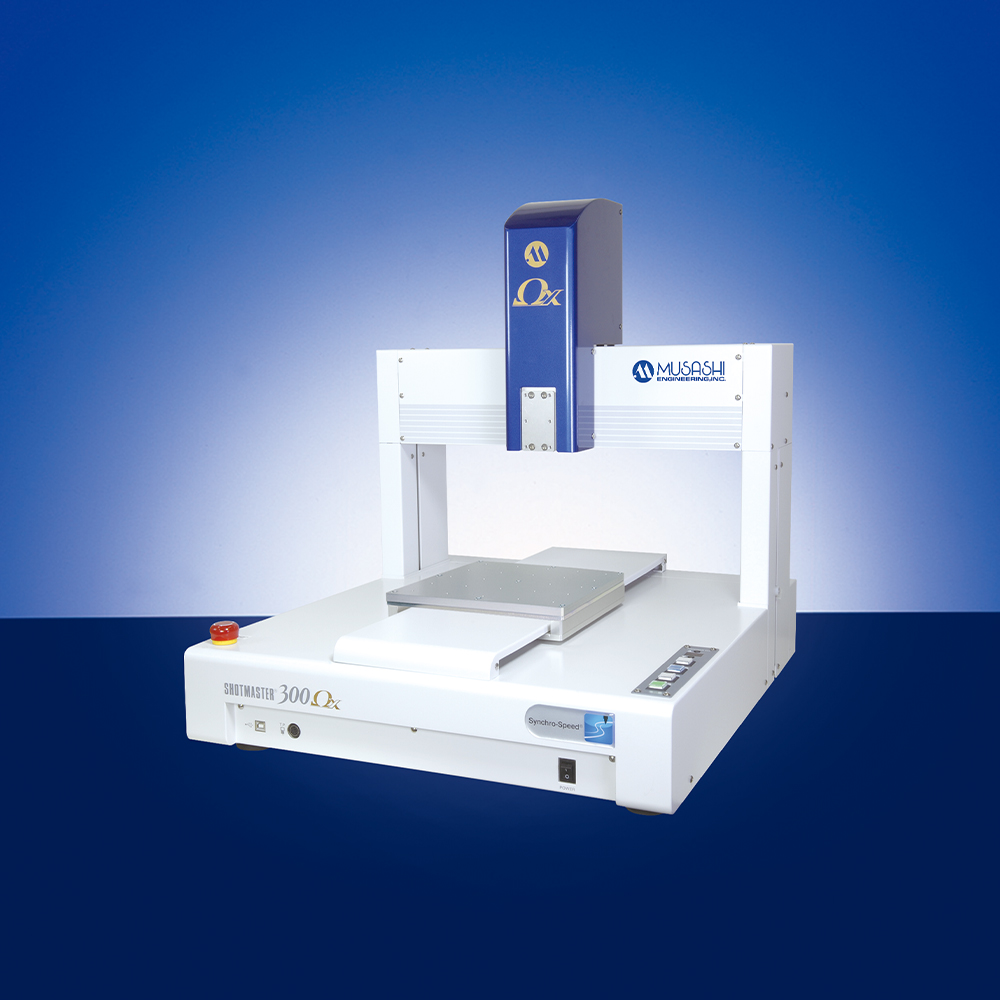
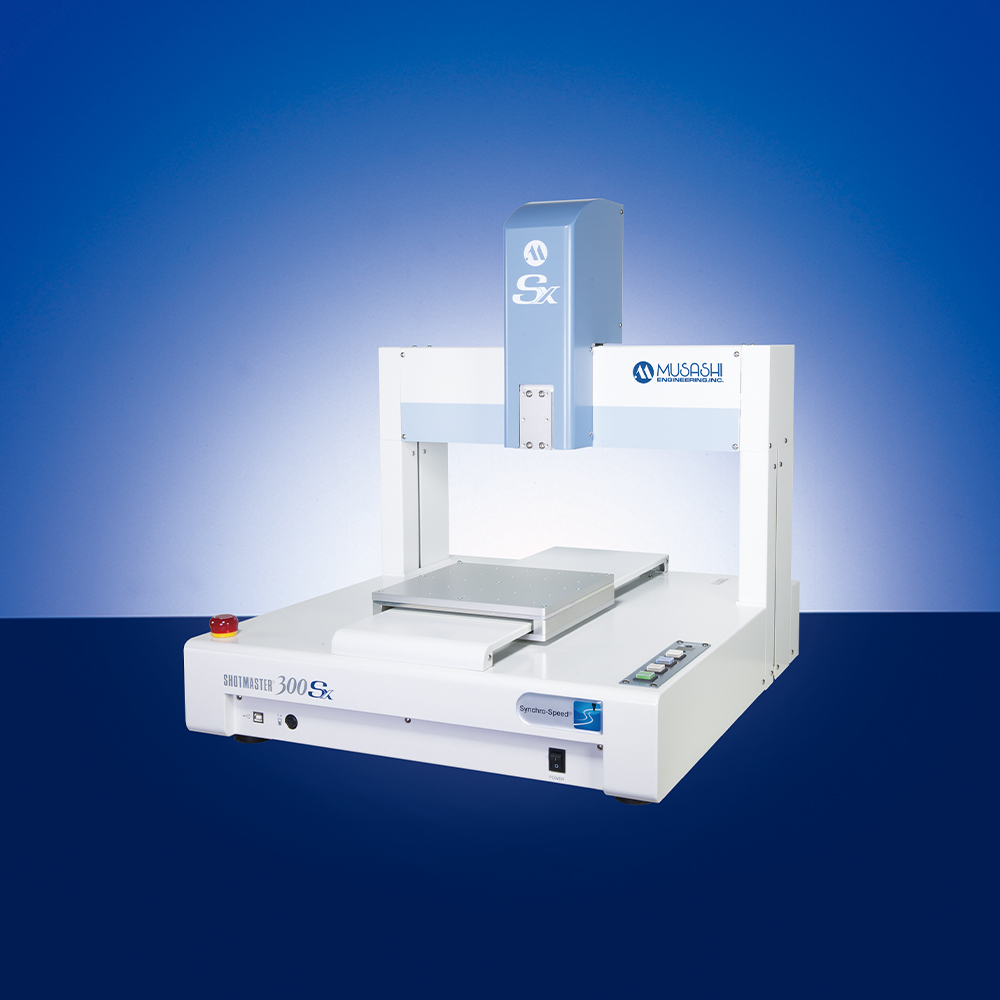

Musashi Engineering's Cartesian robots
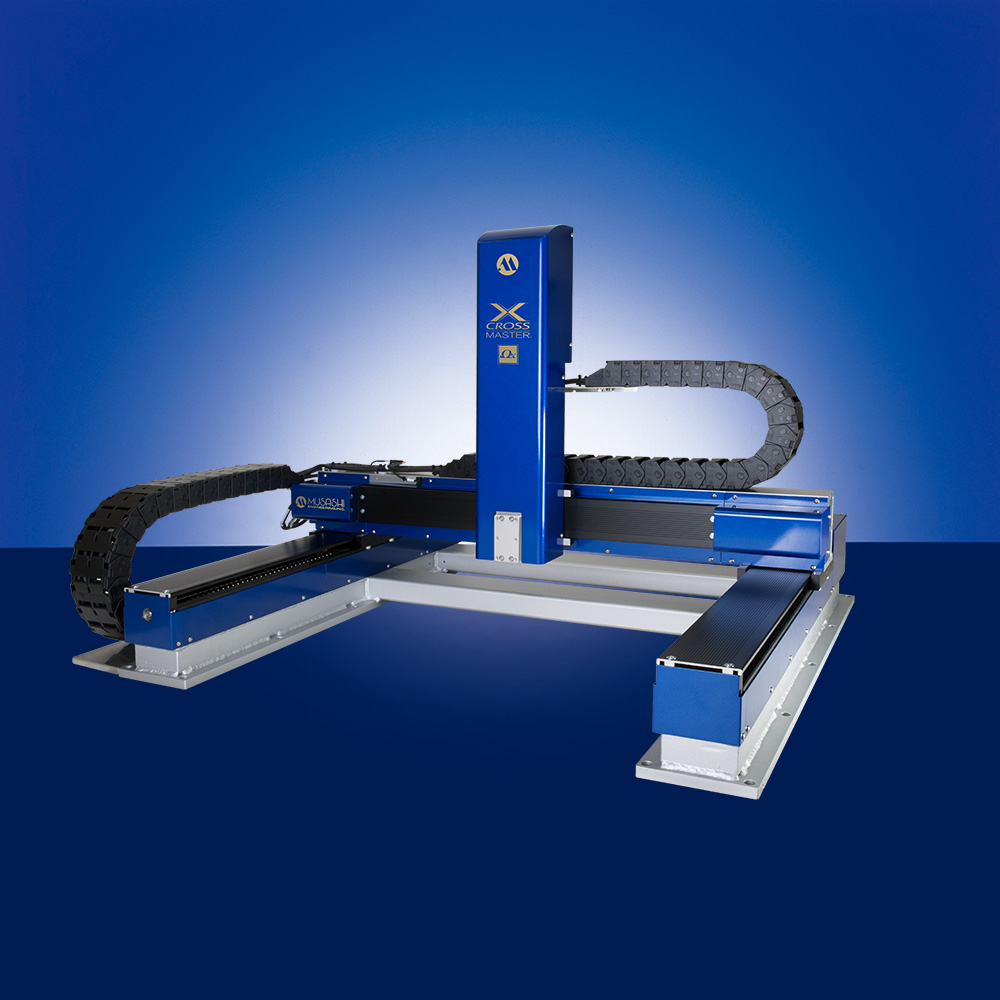
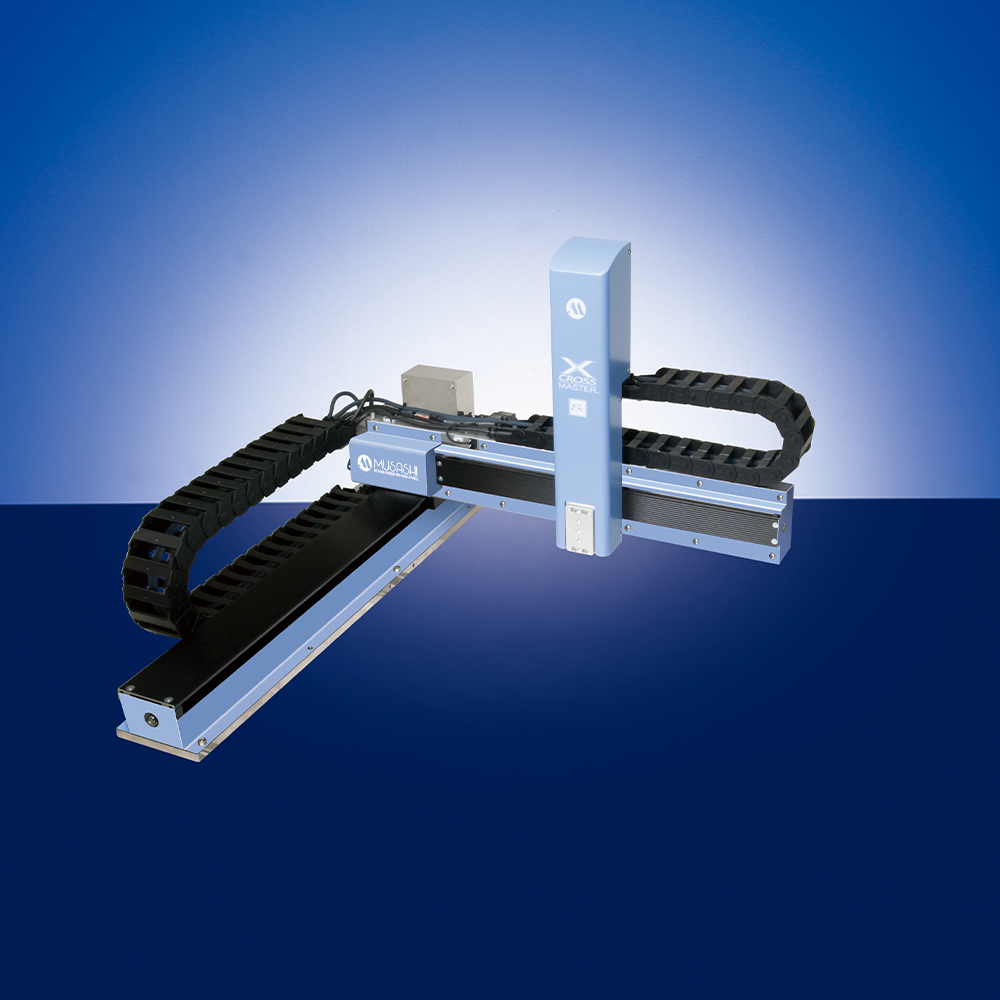
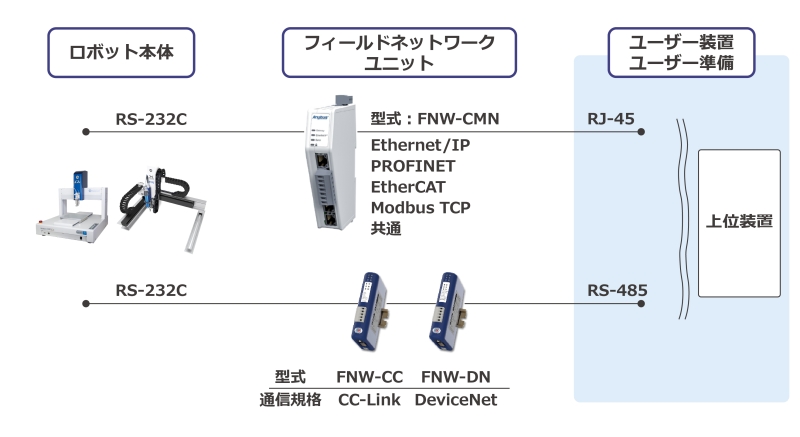
Our products can be connected to field networks via field network units, as shown in the figure below.
Connection image
Field Network Glossary
Open Field Network:
A standardized field network that does not depend on a specific manufacturer. This allows devices and systems from different manufacturers to be compatible and work together flexibly.
Real-Time Communication:
Real-time communication capability refers to the network's ability to reliably transmit data within a certain latency. Real-time communication is extremely important in industrial automation and process control.
Scalability:
Scalability refers to the characteristic that a system or network can be expanded. Excellent scalability means that it is easy to add new devices or nodes, allowing for flexible responses to future system expansions or changes.
Node:
A node refers to an individual device or piece of equipment connected to a network. In a field network, sensors, actuators, controllers, etc., function as nodes. Each node has its own unique address and communicates over the network.
FAQ
If it is a series currently on sale (click here), you can install an additional field network unit.
In addition to channel instructions, you can perform operations such as execution, stop, and return to origin.
By using the FNW communication mode, you can read and write step data.
Recommended Catalogs
Robot Quick Reference Table
Robot Quick Reference Table
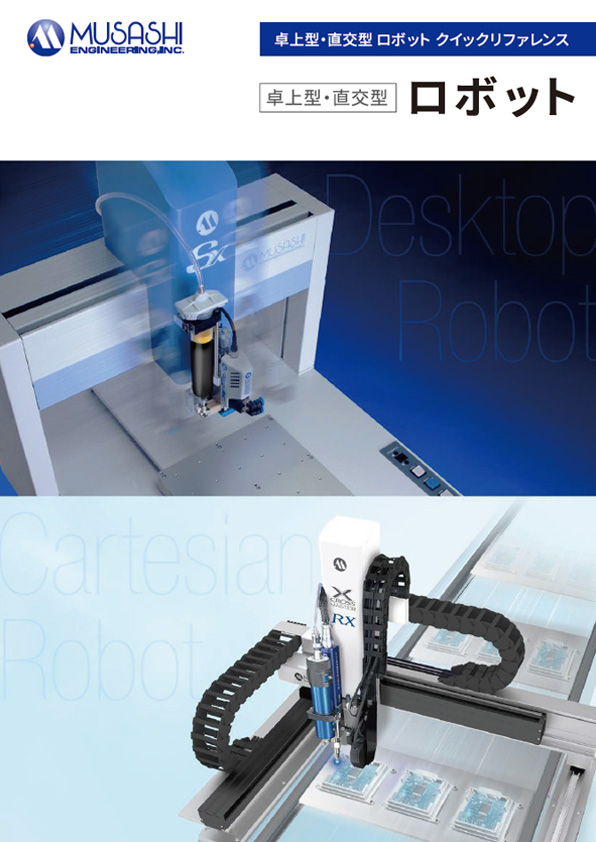
Desktop robot
SHOTMASTER
SHOT
MASTER
ΩX

SHOT
MASTER
SX
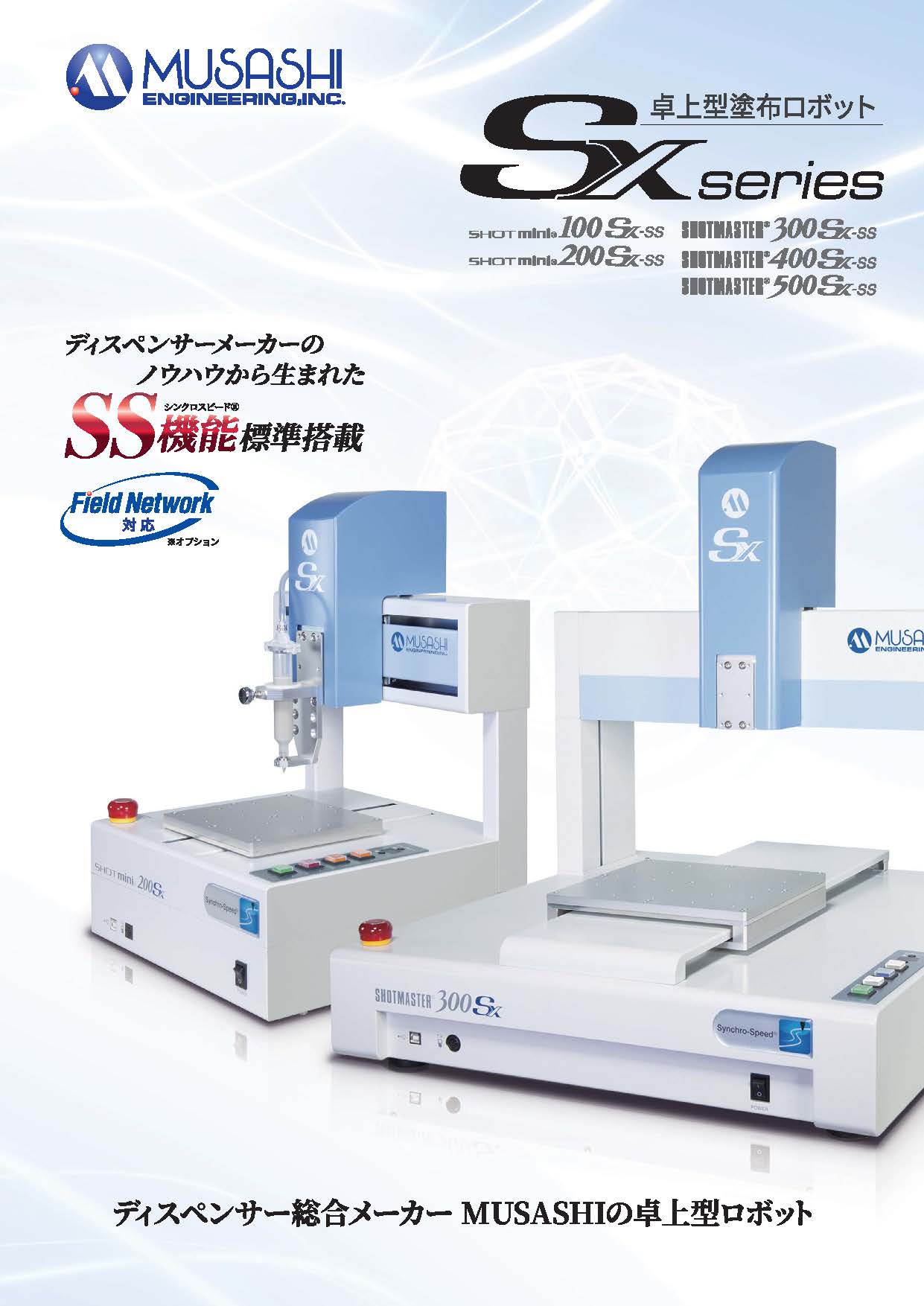
4-axis desktop
robot
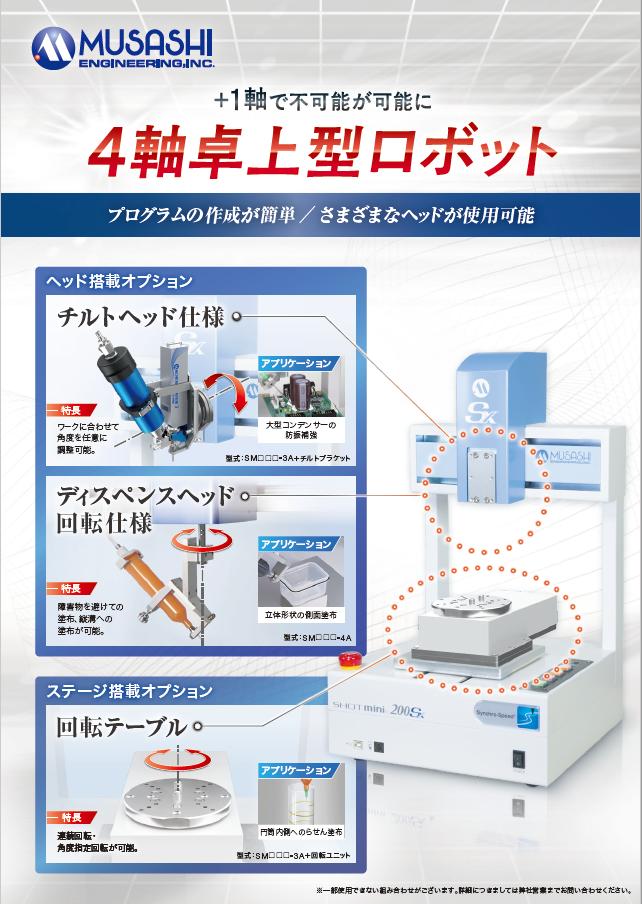
Cartesian robot
CROSSMASTER
CROSS
MASTER
SX